
Shop-Ready Millwork Drafting
& CNC Nesting Services
Five disciplines, one QA protocol. Whatever leaves our shop is built to run on yours — first pass, no surprises at the router.
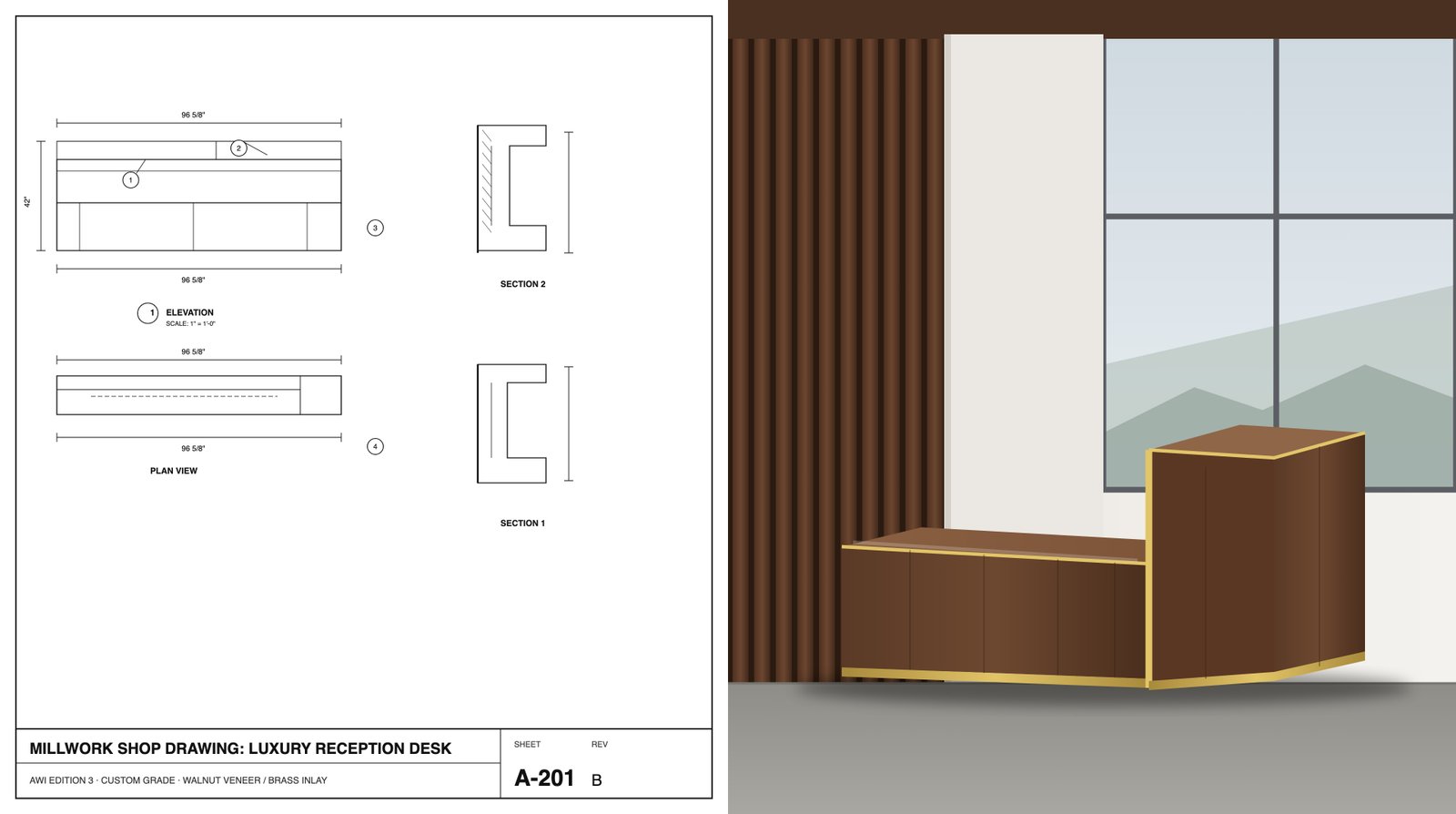
Millwork Drafting Services
Submittal-ready elevations, plans, and section details built to AWI Edition 3 standards — clean line weights, accurate dimension strings, and material call-outs your GC and architect can approve without a redline cycle.
- Elevations, plans & section details
- AWI Edition 3 & AWMAC compliant
- Accurate dimension strings & call-outs
- 2 revision cycles included
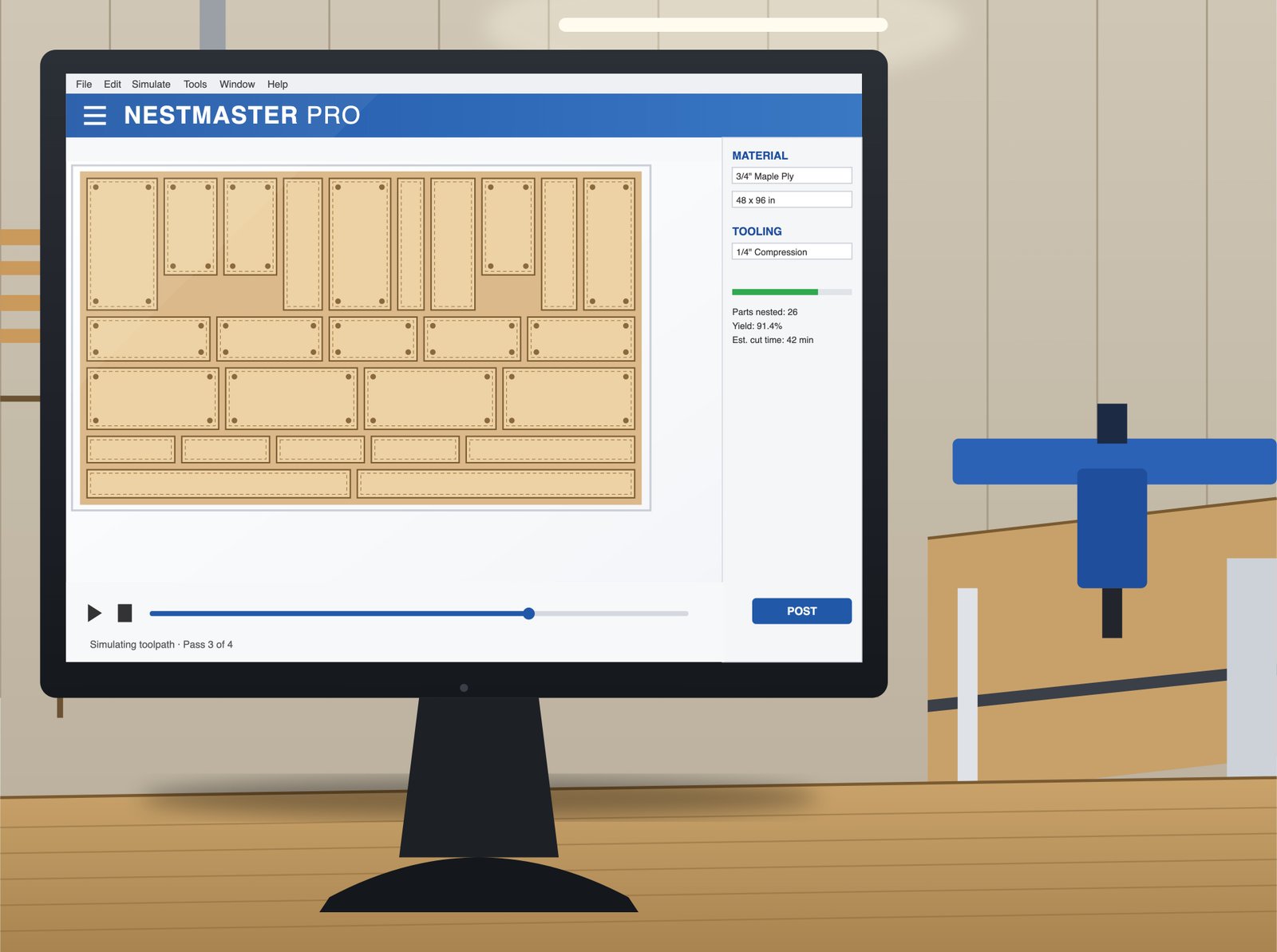
Microvellum Shop Drawings
V22 with full library integration — parametric parts, toolpath generation, and machine posting for Biesse and Homag routers, drafted against your shop's own product library instead of a generic default set.
- V22 full library integration
- Toolpath generation & machine posting
- Biesse & Homag production posting
- Production-ready cut lists
AutoCAD Shop Drawings
Native 2D/3D DWG delivery with layer standards matched to your shop's own title block — elevations, plans, and section details built to AWI Edition 3, ready to drop straight into your existing drawing set.
- Native DWG delivery, 2D & 3D
- Layer standards matched to your title block
- Elevations, plans & section details
- AWI Edition 3 & AWMAC compliant
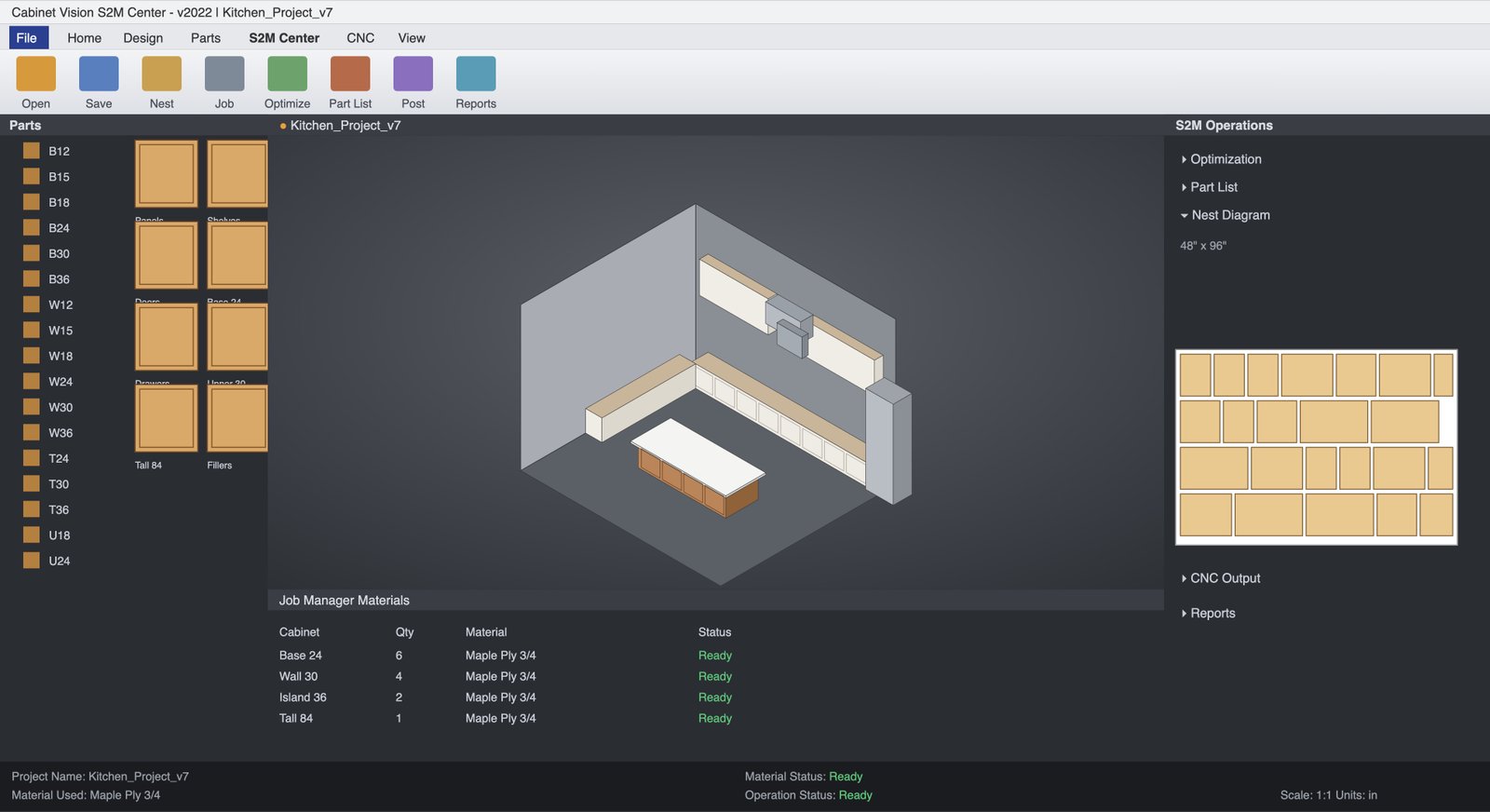
Cabinet Vision Shop Drawings
Solid and Screen-to-Machine workflows with automated optimization reports — 3D visualization your client can actually approve from, then a straight, production-ready handoff to the machine.
- Solid & Screen-to-Machine (S2M) workflows
- Automated optimization reports
- 3D visualization for client sign-off
- Production-ready cut files
SolidWorks Shop Drawings
Parametric 3D assemblies for the custom hardware, mechanisms, and structural brackets that off-the-shelf millwork components can't cover — engineered to interface cleanly with the casework they mount into.
- Custom hardware & mechanism design
- GD&T-toleranced part drawings
- Exploded views & full BOMs
- Sheet metal & bracket drawings
We draft inside your environment, not around it.
V22 · Full library integration, toolpath generation, and Biesse/Homag machine posting.
Solid & Screen-to-Machine workflows with automated optimization reports.
Native DWG delivery, layer standards matched to your shop's title block.
LOD 300/350 families, shared parameters, and Navisworks-ready clash coordination.
Get a live estimate before you send a single file.
What are we drafting?
What do you need delivered?
Service-specific questions we hear most.
Can you match our shop's existing Microvellum or Cabinet Vision libraries?
Yes. Send us your current library and we'll draft against your existing parts, materials and machine posts rather than a generic default set — this is standard on our dedicated full-time drafter engagements.
Do you provide G-code, or just DXF/toolpath files?
Both. CNC engineering deliverables include nested sheet layouts, cut-lists and part labeling, plus G-code exports posted for your specific router (Biesse, Homag or SCM).
What LOD do your Revit BIM models use?
LOD 300 for general coordination and clash detection, or LOD 350 when a general contractor needs fabrication-level detail for Navisworks review.
How does the live estimator on this page work?
It totals base drafting hours for your project scope plus the software outputs you select, giving a realistic hour range and turnaround window before you commit — the same math our estimators use internally.