
Microvellum Shop Drawing & CNC Engineering Services
Reviewed by our engineering team · Updated August 2026
What You Get
Parametric Part Libraries
Drafted against your shop's own Microvellum library — materials, hardware and machine posts — instead of a generic default set that needs re-mapping.
Toolpath Generation
3- and 5-axis toolpaths built for the joinery and hardware boring your parts actually need, not a one-size-fits-all default.
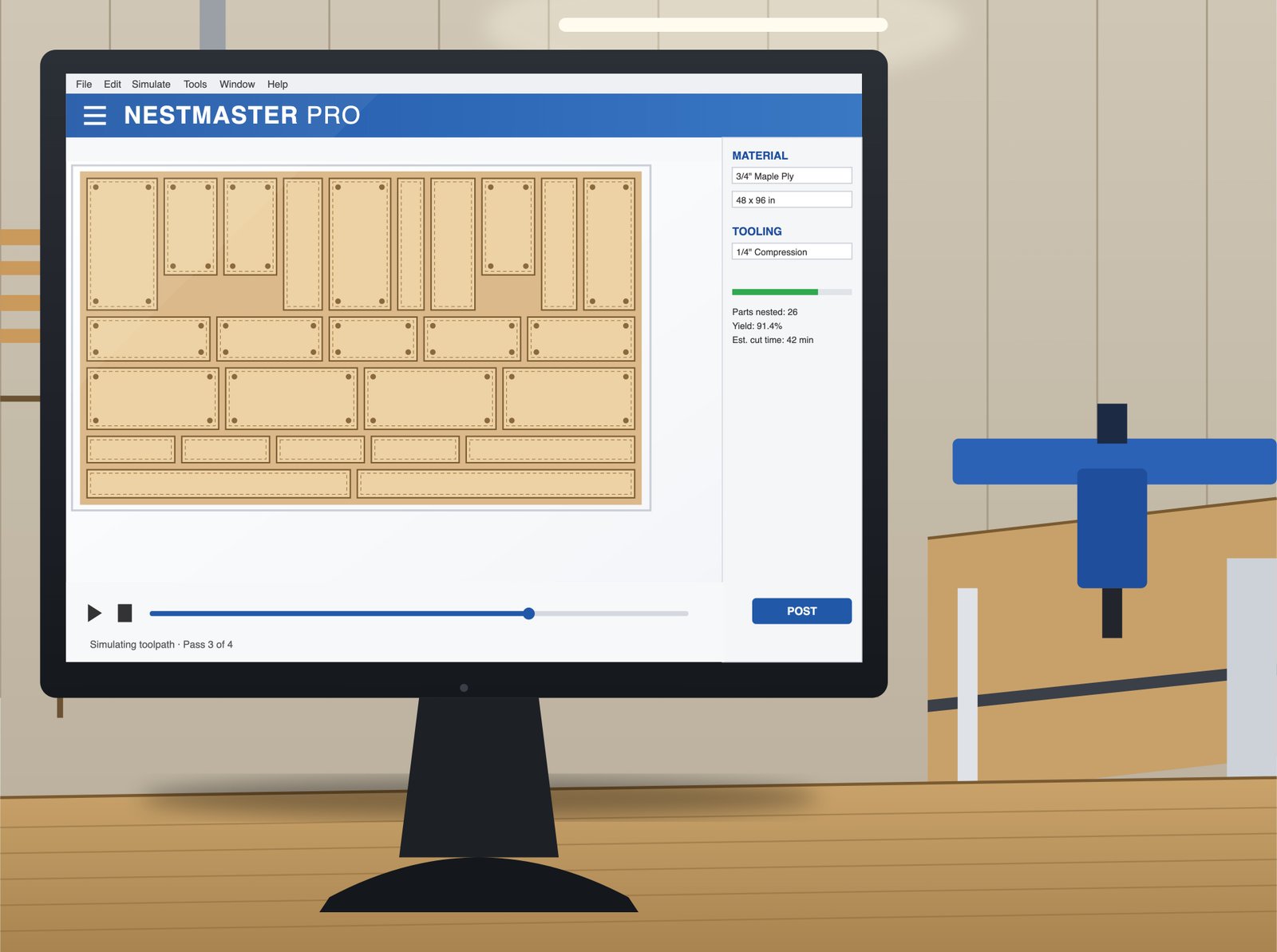
Nested Sheet Layouts
Optimization reports that account for grain direction, sheet defects and offcut reuse before a single sheet gets loaded.
Cut Lists & Part Labeling
Labeled, sequenced cut lists that match the nest, so parts land at the right assembly station without a manual cross-check.
Machine Posting
Native posting for Biesse and Homag routers — G-code your machine runs directly, not a translated intermediate file.
Production-Ready Reports
Optimization, material usage and labor-hour reports delivered alongside the cut files, ready for your production meeting.
CNC Output That Still Meets the AWI Edition 3 Detail It Was Approved Against.
- Panel gap and reveal tolerances carried from the approved AWI Ed.3 shop drawing into the Microvellum part library, not re-derived at nesting
- Hardware boring patterns match the hinge, slide and fastener call-outs on the approved submittal — no substitutions made at the CNC stage
- Edge-band and finish call-outs flow through to the cut list, so a part labeled for a finished edge doesn't get nested against raw stock
- Optimization reports checked for grain-direction and finish-face requirements before waste reduction, never traded against them
- Final toolpath and posting reviewed by a senior CNC engineer before files leave the shop
Problems We Solve — That Everyone Else Runs Into
These are the failure points we hear about most from shops, GCs and architects before they switch to us.
Generic Default Libraries Don't Match Your Shop
A default Microvellum library assumes hardware and machine posts that aren't yours. We draft against your shop's actual library from the first part, so nothing needs re-mapping before it runs.
Non-Optimized Nesting Wastes Sheet Stock
Manual or default nesting routinely leaves 20%+ of a sheet on the floor. Our optimization reports typically cut material waste by around 25% without sacrificing grain match.
Toolpath Errors Surface Only After a Blank Hits the Router
An uncaught toolpath error costs a blank, a bit, and a stopped line. Every path is engineer-reviewed before posting, not discovered on the shop floor.
Files That Need Re-Modeling Before CAM Can Use Them
A drawing that isn't production-ready forces your team to rebuild it before it's machine-usable. Our parametric parts are CAM-ready on delivery, not a starting point for one.
How We Do It Differently
Dedicated Microvellum Engineering Team
Our senior CNC engineers train every drafter on our Microvellum and toolpath conventions, and review nesting output before it ships.
V22 Full Library Integration
We work inside your shop's own library and machine posts, not a generic template that needs cleanup.
Native Biesse & Homag Posting
G-code posted for your specific router, tested against real production geometry, not a generic post-processor default.
3-Tier QA Before Any G-Code Ships
Lead drafter, senior CNC engineer, and sign-off — the same review chain that runs across every service we offer.
From an approved shop drawing to nested, machine-posted files your router runs on the first pass.
Library Match & Intake
Send your Microvellum library, machine post and approved shop drawings. We confirm materials, hardware and tolerance requirements before modeling starts.
Parametric Modeling
Parts are built parametrically against your library, carrying the gap, reveal and hardware call-outs from the approved AWI-compliant drawing.
Nesting & Toolpath QA
Sheets are optimized for waste and grain direction, and every toolpath is engineer-reviewed before it's queued for posting.
Posting & Delivery
G-code is posted natively for your router and delivered with cut lists and optimization reports, ready to load.
Explore Our Other Drafting Services
Frequently Asked Questions
Can you match our shop's existing Microvellum library?
Yes. Send us your current library and we'll draft against your existing parts, materials and machine posts rather than a generic default set — this is standard on every Microvellum engagement, not an add-on.
Do you provide G-code, or just DXF/toolpath files?
Both. CNC engineering deliverables include nested sheet layouts, cut-lists and part labeling, plus G-code exports posted for your specific router (Biesse, Homag or SCM).
How much material waste do your optimization reports typically save?
Shops working from a default nest commonly see around a 25% reduction in sheet waste once we optimize against grain direction, sheet defects and offcut reuse — the same number our estimator uses internally.
Do you support Screen-to-Machine style workflows, or only Solid Microvellum?
Our Microvellum service covers the full toolpath-and-posting pipeline. If your shop runs a Screen-to-Machine workflow specifically through Cabinet Vision, see our dedicated Cabinet Vision service for that path.
Ready to Start Your Next Microvellum Shop Drawings Project?
Send us your project scope and we'll confirm software, timeline, and next steps — whether it's a single set or ongoing drafting support for your team.